 GENPBX
GenPBX Lite
Your IP phone number, on your Android phone. Add your SIP account once, then make and receive calls anywhere over Wi-Fi or mobile data.
- 100% free
- Any SIP account
- No sign-up
One app for the IP number you already have
Your number goes with you
Take calls on your IP number away from the desk: at home, on the road, or at a client's office.
Free, for good
No subscription, no trial that runs out. You pay only your phone provider's normal call charges.
Up to 3 SIP accounts
Add the SIP details from your IP phone provider. Keep an office and a personal number in one app.
A real office phone
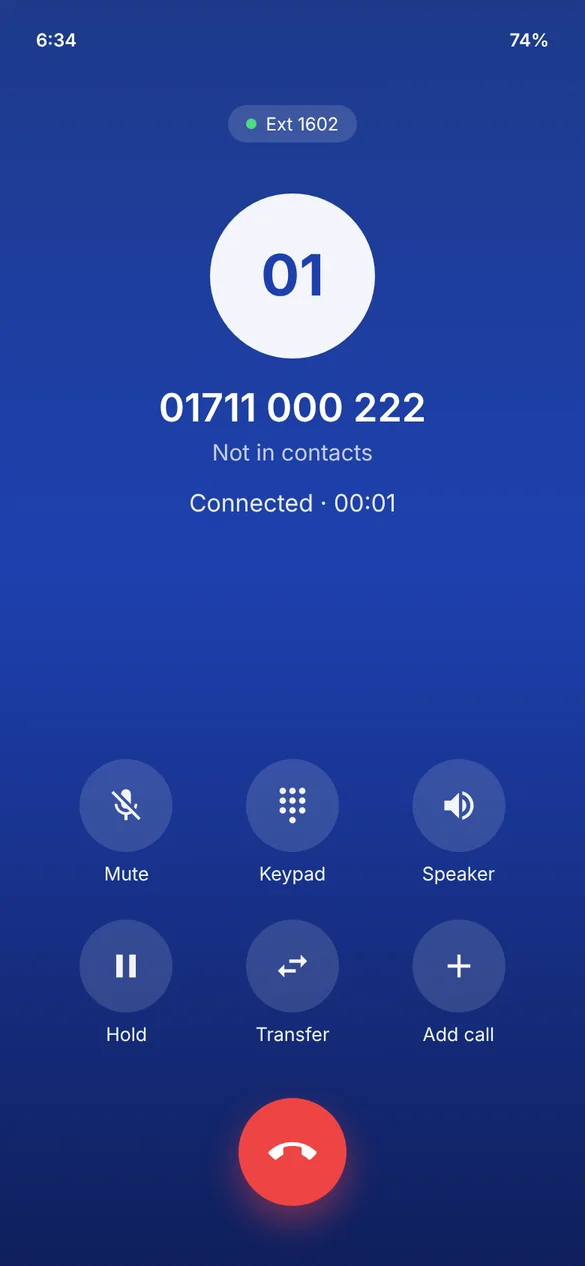
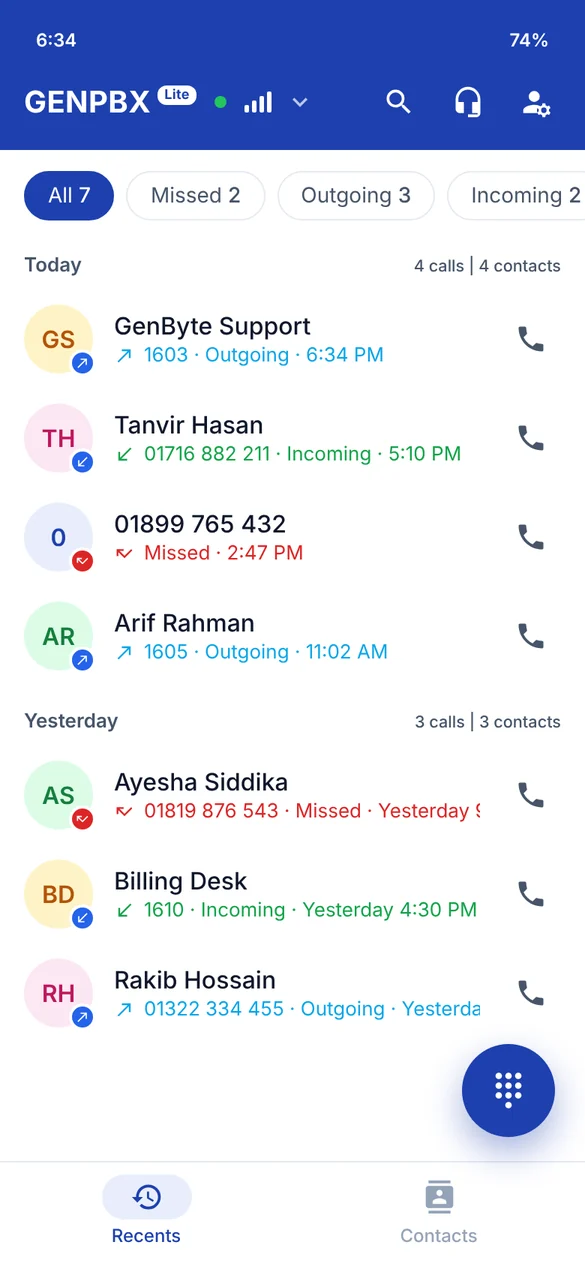
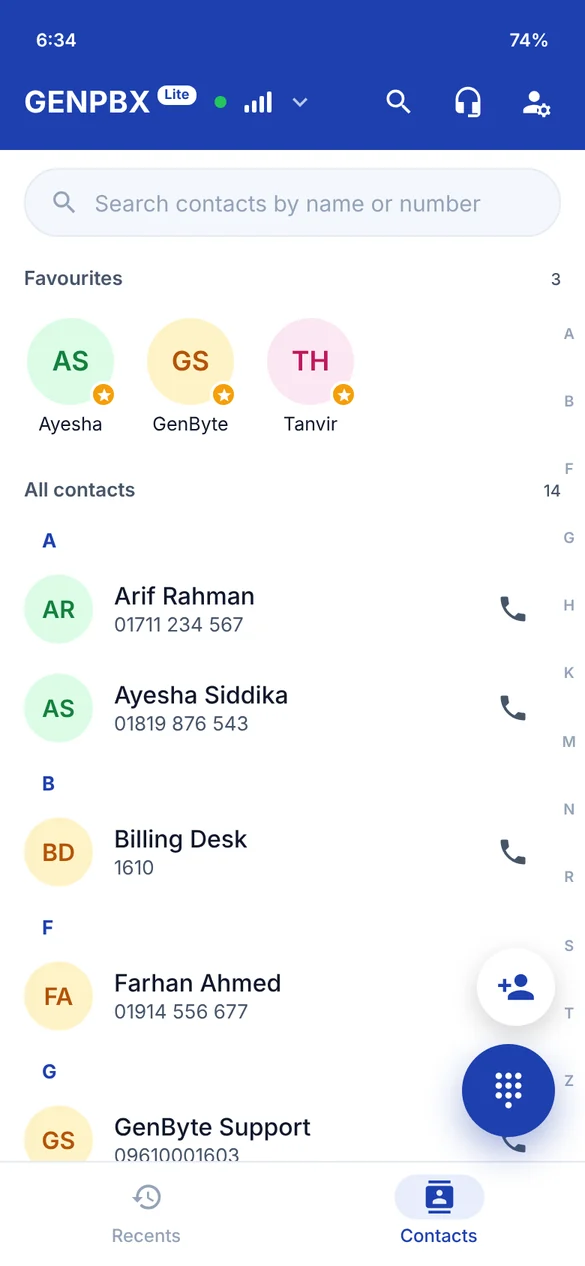
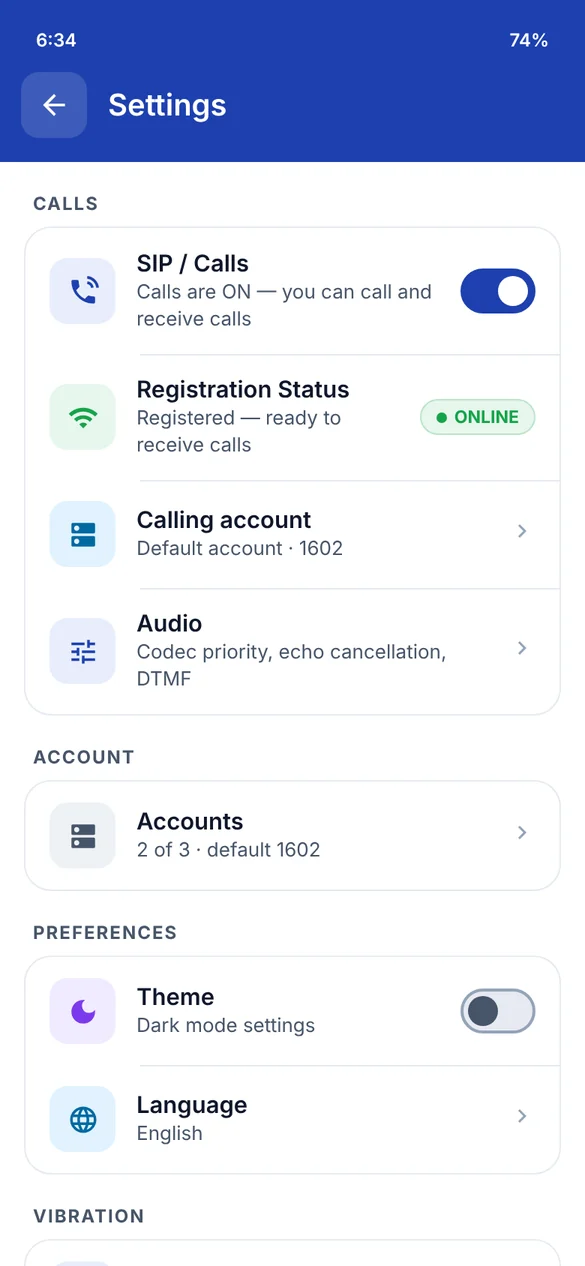
Hold, transfer, mute, speaker and keypad during a call, with contacts, favourites and call history.
Simple screens, everything in reach
Ready in three steps
- 1
Install the app
Open Google Play on your Android phone, search for GenPBX Lite and install it. It is free.
Open in Google Play → - 2
Add your SIP account
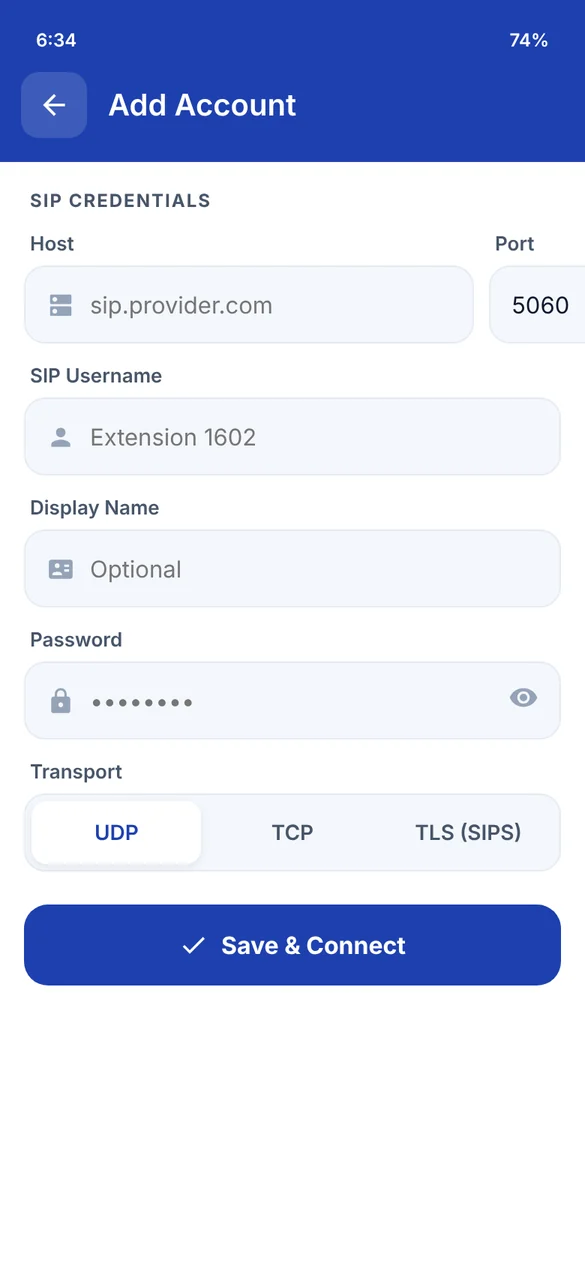
Tap Add Account and enter the details your IP phone provider gave you:
- Host
- sip.provider.com
- Username
- 09612000111
- Password
- ••••••••
- 3
Call
When the account shows SIP Registered, you are ready. Dial any number, and calls to your IP number ring on your phone.
Do not have SIP details? Ask the company that gave you your IP phone number (for example your 09 number). They can give you the server, username and password.
One person, or a whole team?
For one person with one IP number.
- Make and receive calls on Android
- Up to 3 SIP accounts
- Hold, transfer, contacts and call history
- No plan, no bill
For a company that shares a hotline among staff.
- Extensions for every staff member
- IVR menu, queues and ring groups
- Call recording and reports
- Web panel, web phone and the GENPBX app
Good to know
Is GenPBX Lite really free?
Yes. The app is free to download and use, with no subscription. You pay only the normal call charges of your phone provider.
What do I need to use it?
An Android phone, internet (Wi-Fi or mobile data) and a SIP account: the server, username and password of your IP phone number.
Where do I get my SIP details?
From the company that gave you your IP phone number. Ask them for the SIP server, username and password.
Do I need a GENPBX plan?
No. GenPBX Lite works on its own with your SIP account. GENPBX is for companies that want extensions, IVR, recording and reports for a team.
How many SIP accounts can I add?
Up to 3. You can keep, for example, an office number and a personal number in the same app and choose which one calls.
Is there an iPhone version?
Not yet. GenPBX Lite is for Android phones.
Is it for office or personal use?
Both. Use it for a shop or office number, or for your own IP phone number.
Get GenPBX Lite free
For Android phones. No account with us needed, just your SIP details.
Get it onGoogle Play